
How to track tips from two jobs

Keep one record with a job on every row, not two records. Give each job its own hourly wage and tip-out rule, log every shift against the job it belonged to, and compare the jobs by earnings per hour rather than by total. That answers the question multi-gig workers actually have: where does an hour of my time pay best?
Why two jobs break most tip logs
A bar on Thursday to Saturday and a café for weekend brunch have different wages, different tip-out rules and different weeks. A single-job tracker forces you to either keep two apps, which halves the habit, or to log everything under one job with the wrong wage pre-filled, which corrupts every hourly rate. Neither survives long.
The fix is a job field on every shift, with the wage and tip-out attached to the job rather than typed each time.
Setting it up in Tillside
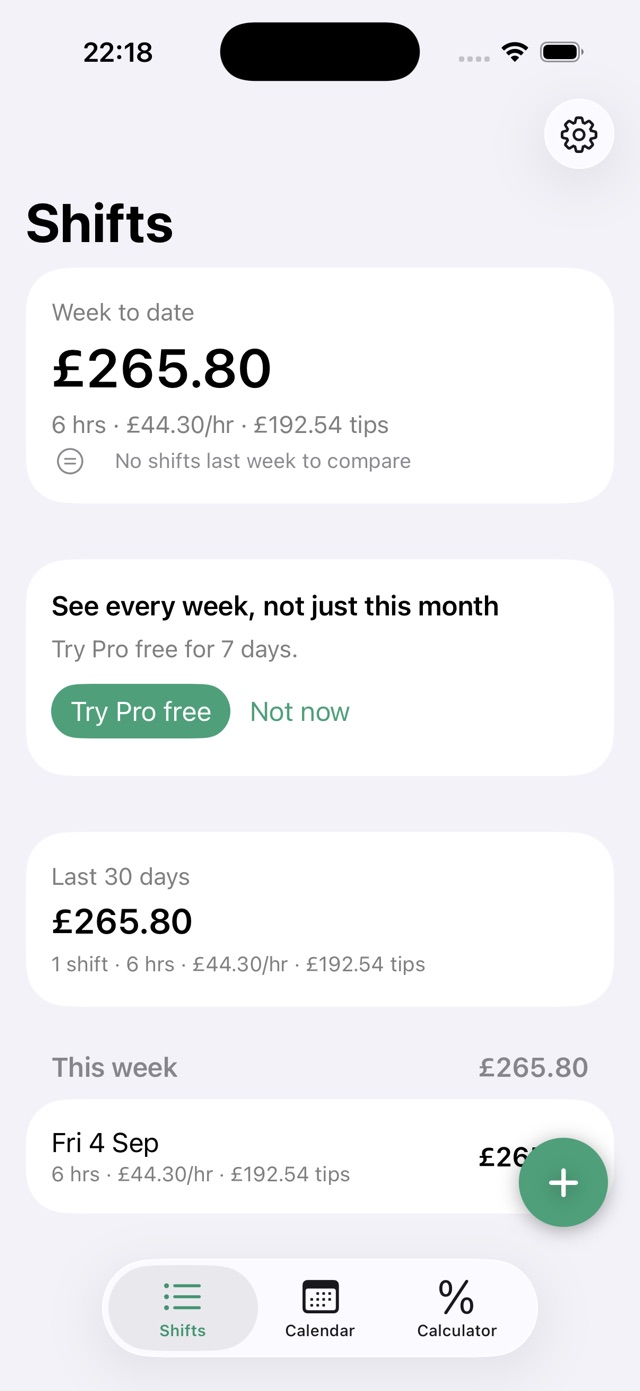
Each job in Tillside has a name, a colour, a default wage, a default start time and duration, and a tip-out rule. With more than one job, the New Shift sheet shows a job switcher at the top; choose the job and the wage and tip-out re-fill for it while the money you have typed stays put. The Shifts screen gains a filter, all jobs or one job, that the week card, the 30-day card and the list all respect.
Multiple jobs are a Tillside Pro feature, with monthly, yearly and lifetime options and a 7-day trial on the yearly plan. See the linked pricing section for your App Store country. If the subscription ever lapses, the jobs you already created stay visible and editable and their shifts stay in the list and the export. Only adding another job is gated.
How to compare the two jobs fairly
Filter to one job, note the week card's hourly rate, then filter to the other. Insights adds the shape across all your shifts: which weekday pays best and how your rate has moved over twelve weeks. Do it over three or four weeks, because a single Saturday at the bar will beat a single Sunday brunch every time and tell you nothing. Then look at the shape: the bar might pay £24 an hour on Saturday and £13 on Thursday, while brunch pays a steady £17. That is a schedule decision, not just a ranking.
Remember travel and turnaround. If the café shift costs you an hour each way that the bar does not, add it to the hours before you compare.
Tax time with two employers
One export covers both jobs: every row carries the job name and its currency, so filtering by job in a spreadsheet takes seconds. That matters in the US, where each employer needs its own monthly tip report, and in the UK, where cash tips from both venues add up to one figure you declare. Our guide to tracking tips for taxes covers the records to keep.
Questions about multiple jobs
Can I have two jobs with different currencies?
Not today. Every job uses the currency of the region your iPhone is set to, which is right for almost everyone. The currency code is stored per job and appears in the export, so nothing is lost if that changes later.
What happens to my second job's shifts if I stop paying for Pro?
Nothing is deleted or locked. Both jobs stay visible and editable, their shifts stay in the list and in your export, and only adding a third job would need Pro again. Your data is never the thing you lose.
Related guides

Hourly Wage + Tips Calculator (After Tip-Out)
What did you earn per hour? Enter tips, wages and hours. This free calculator subtracts tip-out and shows total earnings and your hourly rate.
Read the guide
Which shifts make the most money for servers?
Friday and Saturday dinner usually pay most in total, but not always per hour. How to find your own best shifts from three weeks of tip records.
Read the guide
Best tip tracker apps for servers: a comparison
Compare Tillside, ServerLife, TipSee and a spreadsheet: free features, ads, backups and limitations. Find the right way to track your shifts.
Read the guide
How to track tips for taxes
The daily tip record the IRS asks tipped workers to keep, how long to keep it, and how to export a clean year of shifts from Tillside.
Read the guideCanonical: https://tillside.co/guides/how-to-track-tips-from-two-jobs/